|
Electronic Components Datasheet Search |
|
|
Electronic Components Datasheet Search |
|
NHV4-1D-R Datasheet(PDF) 8 Page - PATLITE CORPORATION. |
|
|
|||||||||||||||||||||||||||||
NHV4-1D-R Datasheet(HTML) 8 Page - PATLITE CORPORATION. |
|
|
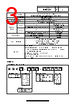
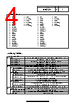
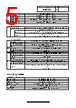
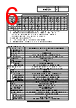
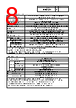
8 / 11 page 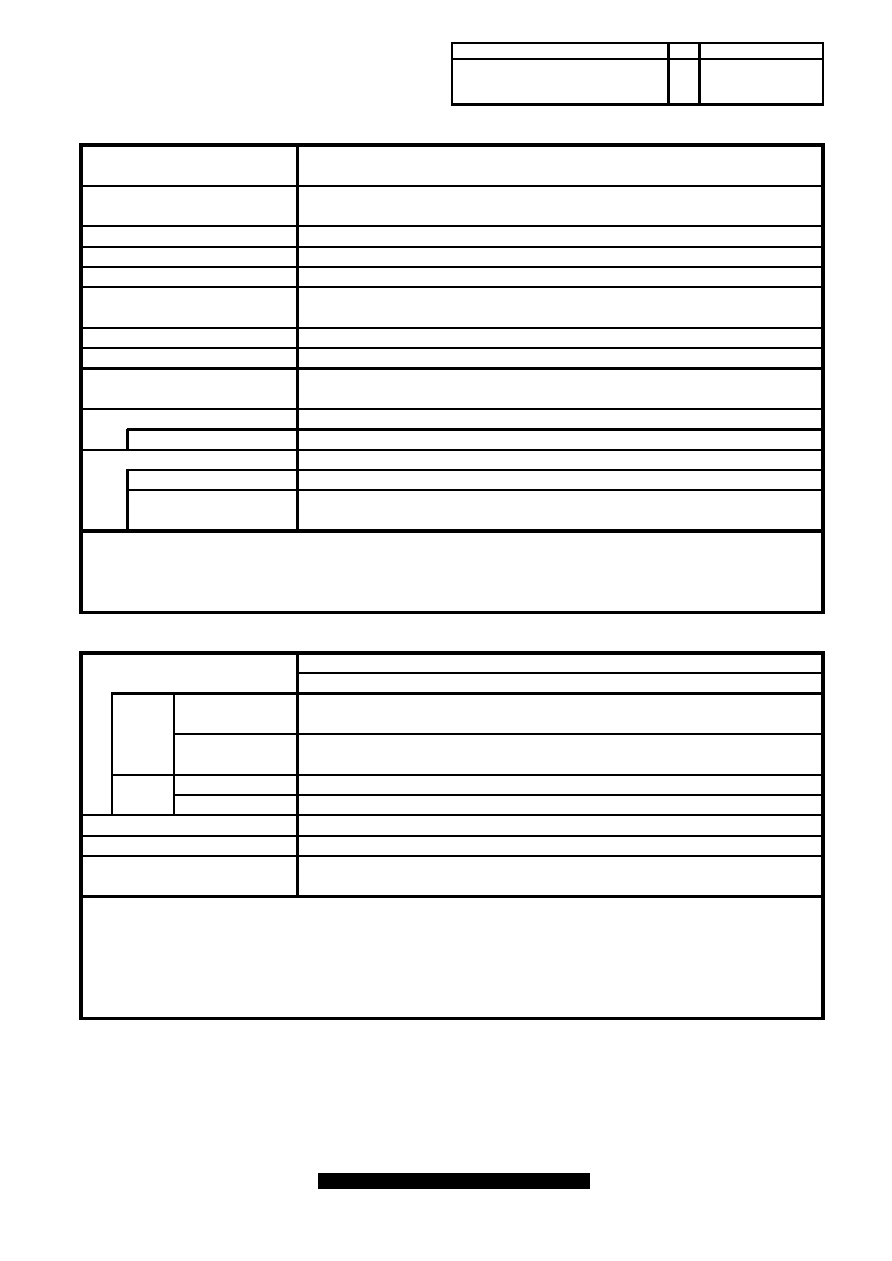 *1 Light reduction is not possible when using LR4/6-E-MZ or WDT-4/6LR-Z2. *2 Google Chrome is a trademark or registered trademark of Google LLC. *3 Microsoft Edge is registered trademark of Microsoft Corporation in the United States and other countries. *4 Text-to-speech synthesis in Chinese is supported only for production after October 2023. *1 Microsoft Azure is registered trademark of Microsoft Corporation in the United States and other countries. *2 Amazon Web Services, the "Powered by AWS"logo, and any other AWS trademarks used in such materials are trademarks of Amazon.com, Inc. or its affiliates in the United States and other countries. *3 It is possible to play back received text data by performing speech synthesis in real time. Notification Sounds can be played in combination with before or after a synthesis sound. with test button of the main body and RSH/SSH command. USB flash drive can be used to read and written configuration files, 4.4. Main Unit Setting Function The internal clock in this product can communicate with an NTP server Network setting in this product can communicate with an DHCP server Master Volume Setting Master Volume of Buzzer and Sound can be set Automatic Network Setting Time Correction Function to automatically correct the time. to automatically set. Self-test Function Supported languages Japanese (Kanji-Kana mixed text), English, Chinese *4 Config Setting Various settings of the main body can be read and written as setting file. Event Log Text-to-speech synthesis Speech synthesis from text data can be registered as voice data. USB Flash Drive Function update firmware, and download Event logs. Flash Control Setting Languages supported on the setting screen Japanese, English, Traditional Chinese, Sinplified Chinese, Korean, Thai German, French, Italian, Spanish, Mexican Standard Action Setting The color of Signal Tower that lights up after the clear operation is executed can be set. Main Unit Setting Various settings of the main body can be done with a web browser. Supported browsers Google Chrome *2 Microsoft Edge *3 Connection Settings Built-in features Main Unit Control Signal Tower, Sound *3, Buzzer, Digital Output Main Unit Status Acquisition Signal Tower, Sound, Buzzer, Digital Output Main Unit Status Transmission Signal Tower, Sound, Buzzer, "Clear" button, Digital Output, Digital Input Cloud-to-device Message AWS IoT Core Device Shadow, MQTT client Azure Connection Settings Built-in features AWS 4.5. Cloud Function Supported Cloud Platform Microsoft Azure *1 Amazon Web Services (AWS) *2 Azure IoT Central/DPS, Azure IoT Hub (IoT Plug and Play) Device Twin, Direct Method, Device-to-cloud Message, Drawing No. Rev. Page H Event logs can be downloaded via web browser and USB flash drive. The brightness of the LED unit can be reduced.*1 Self test of Signal Tower and buzzer is possible 8/11 NHV6-3-W18 |
|
|
Link URL |
| Does ALLDATASHEET help your business so far? [ DONATE ] |
About Alldatasheet | Advertisement | Contact us | Privacy Policy | Link to Datasheet | Link Exchange | Manufacturer List All Rights Reserved©Alldatasheet.com |
| Russian : Alldatasheetru.com | Korean : Alldatasheet.co.kr | Spanish : Alldatasheet.es | French : Alldatasheet.fr | Italian : Alldatasheetit.com Portuguese : Alldatasheetpt.com | Polish : Alldatasheet.pl | Vietnamese : Alldatasheet.vn Indian : Alldatasheet.in | Mexican : Alldatasheet.com.mx | British : Alldatasheet.co.uk | New Zealand : Alldatasheet.co.nz |
|
Family Site : ic2ic.com |
icmetro.com |
 New Zealand ▼
 English
 Chinese
 German
 Japanese
 Russian
 Korean
 Spanish
 French
 Italian
 Portuguese
 Polish
 Vietnamese
 Indian
 Mexican
 British
 New Zealand