|
Electronic Components Datasheet Search |
|
|
Electronic Components Datasheet Search |
|
FAN-7002-R Datasheet(PDF) 43 Page - Arista Networks, Inc |
|
|
|||||||||||||||||||||||||||||
FAN-7002-R Datasheet(HTML) 43 Page - Arista Networks, Inc |
|
|
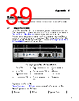
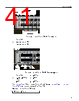
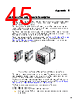
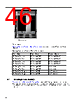
43 / 66 page 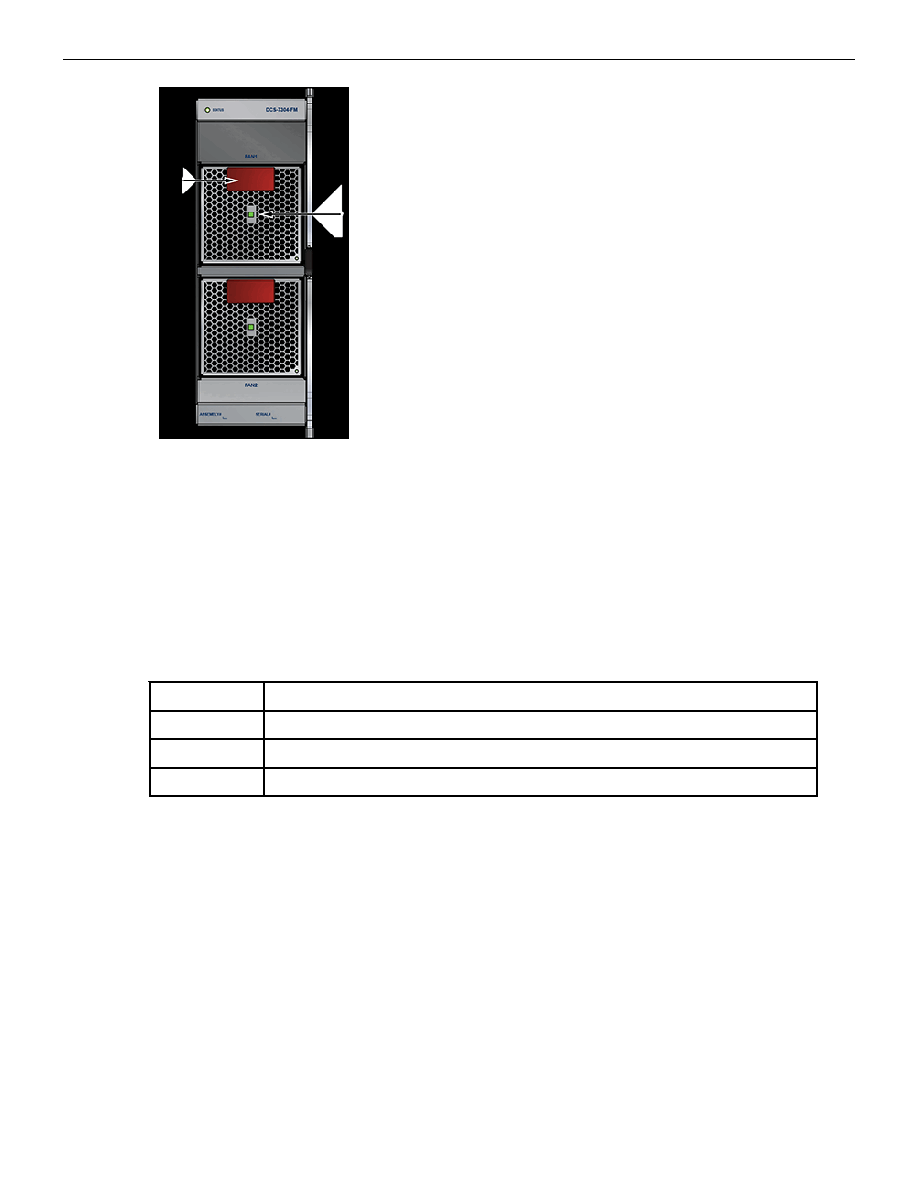 Status Indicators Figure 29: Fan Status and Fabric Status LEDs 1 Handle (color indicates airflow orientation) 3 Fan module installation indicator 2 Fabric status LED 4 Fan module status LED The fan module installation indicator is green when the fan module is properly installed or red when the module is not fully installed. Table 14: Fan and Fabric Status LED States interprets the states of the Fan and Fabric Status LEDs. Table 14: Fan and Fabric Status LED States LED State Status Off The module is inserted but not receiving power – it may not be properly seated. Green The module is operating normally. Red The module has failed. A.4 Power Supply Status Indicators Power Supply LEDs are on power supply modules. The front panel contains power supply modules for all switches; the DCS-7316 rear panel may also contain power supply modules. Front Panels (front panels) and Rear Panels (rear panels) displays the position of these LEDs on each switch. Figure 30: Power Supply display a power supply module. The power supply handle indicates the power supply fan direction. Verify the airflow direction of all modules satisfy these criteria: • All rear panel modules (fan and power supply modules) have the same color handles. • All front panel modules (power supply modules) have the same color handles. • Rear panel modules and front panel modules have different color handles. 39 |
|
Link URL |
| Does ALLDATASHEET help your business so far? [ DONATE ] |
About Alldatasheet | Advertisement | Contact us | Privacy Policy | Link to Datasheet | Link Exchange | Manufacturer List All Rights Reserved©Alldatasheet.com |
| Russian : Alldatasheetru.com | Korean : Alldatasheet.co.kr | Spanish : Alldatasheet.es | French : Alldatasheet.fr | Italian : Alldatasheetit.com Portuguese : Alldatasheetpt.com | Polish : Alldatasheet.pl | Vietnamese : Alldatasheet.vn Indian : Alldatasheet.in | Mexican : Alldatasheet.com.mx | British : Alldatasheet.co.uk | New Zealand : Alldatasheet.co.nz |
|
Family Site : ic2ic.com |
icmetro.com |
 New Zealand ▼
 English
 Chinese
 German
 Japanese
 Russian
 Korean
 Spanish
 French
 Italian
 Portuguese
 Polish
 Vietnamese
 Indian
 Mexican
 British
 New Zealand