|
Electronic Components Datasheet Search |
|
|
Electronic Components Datasheet Search |
|
FAN-7002-R Datasheet(PDF) 48 Page - Arista Networks, Inc |
|
|
|||||||||||||||||||||||||||||
FAN-7002-R Datasheet(HTML) 48 Page - Arista Networks, Inc |
|
|
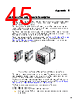
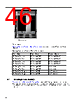
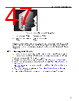
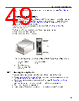
48 / 66 page 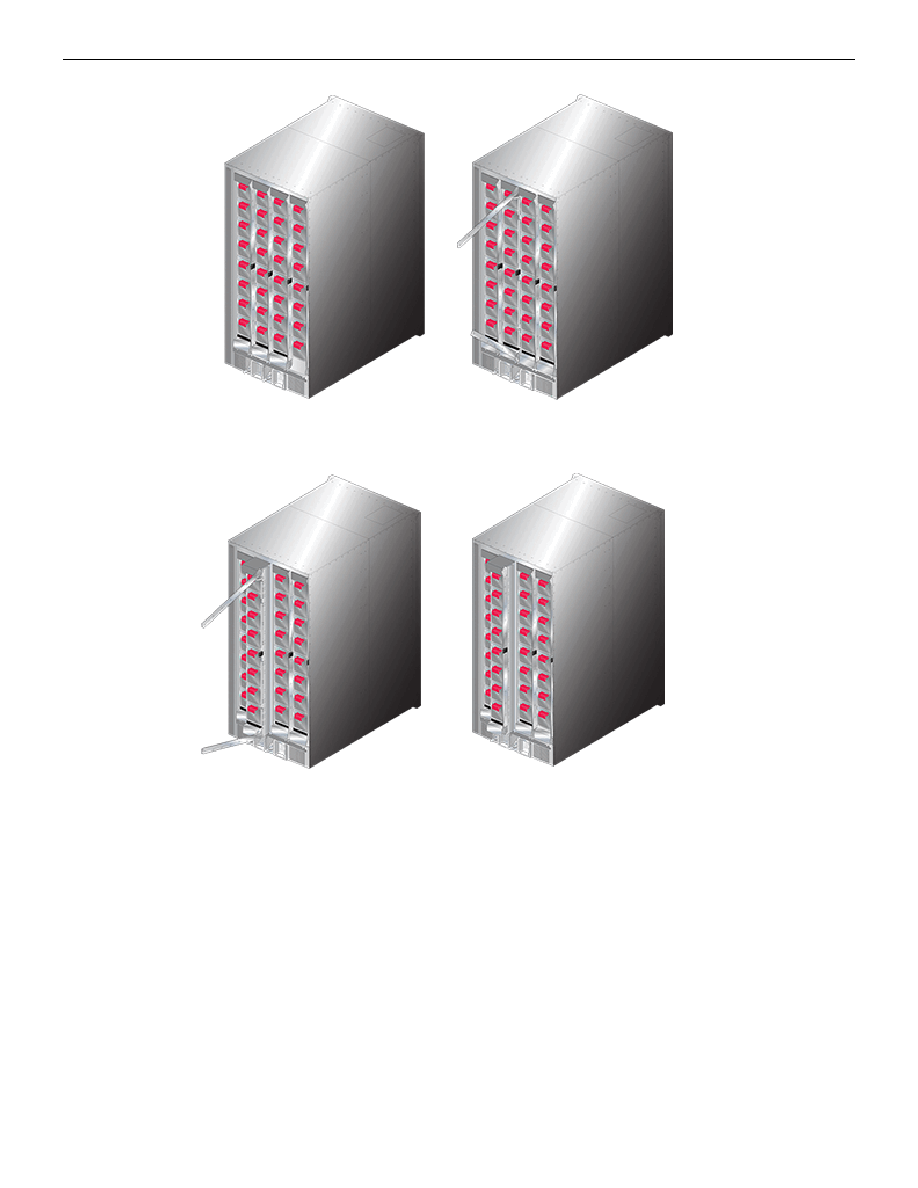 Figure 33: Fabric Module Removal: Initial Position and Opening the Lock-Levers Figure 34: Fabric Module Removal: Edging the Module Out and Closing the Lock-Levers The DCS-7316 fabric module is almost three feet long and weighs close to 40 pounds. Use necessary precautions to safely manage the component outside of the chassis. B.1.2 Inserting Fabric Modules The fabric module insertion process is the inverse of the removal procedure. These instructions describe the method of inserting the fabric module into a chassis. 1. Grasping the module by its frame, place the module chassis railing that corresponds to the slot where it is to be placed. The lock-levers should be in the closed position. 2. Slide the module into the chassis until it’s within three to four inches of being fully inserted (Fabric Module-right). 3. Press the Release Button to release the lock-levers into the open position (Fabric Module-left). 4. Continue inserting the module into the chassis. If other fabric modules are in the chassis, the module being installed should be in the same relative position (Fabric Module-right). 44 |
|
Link URL |
| Does ALLDATASHEET help your business so far? [ DONATE ] |
About Alldatasheet | Advertisement | Contact us | Privacy Policy | Link to Datasheet | Link Exchange | Manufacturer List All Rights Reserved©Alldatasheet.com |
| Russian : Alldatasheetru.com | Korean : Alldatasheet.co.kr | Spanish : Alldatasheet.es | French : Alldatasheet.fr | Italian : Alldatasheetit.com Portuguese : Alldatasheetpt.com | Polish : Alldatasheet.pl | Vietnamese : Alldatasheet.vn Indian : Alldatasheet.in | Mexican : Alldatasheet.com.mx | British : Alldatasheet.co.uk | New Zealand : Alldatasheet.co.nz |
|
Family Site : ic2ic.com |
icmetro.com |
 New Zealand ▼
 English
 Chinese
 German
 Japanese
 Russian
 Korean
 Spanish
 French
 Italian
 Portuguese
 Polish
 Vietnamese
 Indian
 Mexican
 British
 New Zealand