 |
Electronic Components Datasheet Search |
|
|
Electronic Components Datasheet Search |
|
WM8946ECS/R Datasheet(PDF) 59 Page - Wolfson Microelectronics plc |
|
|
|||||||||||||||||||||||||||||
WM8946ECS/R Datasheet(HTML) 59 Page - Wolfson Microelectronics plc |
|
|
59 / 175 page 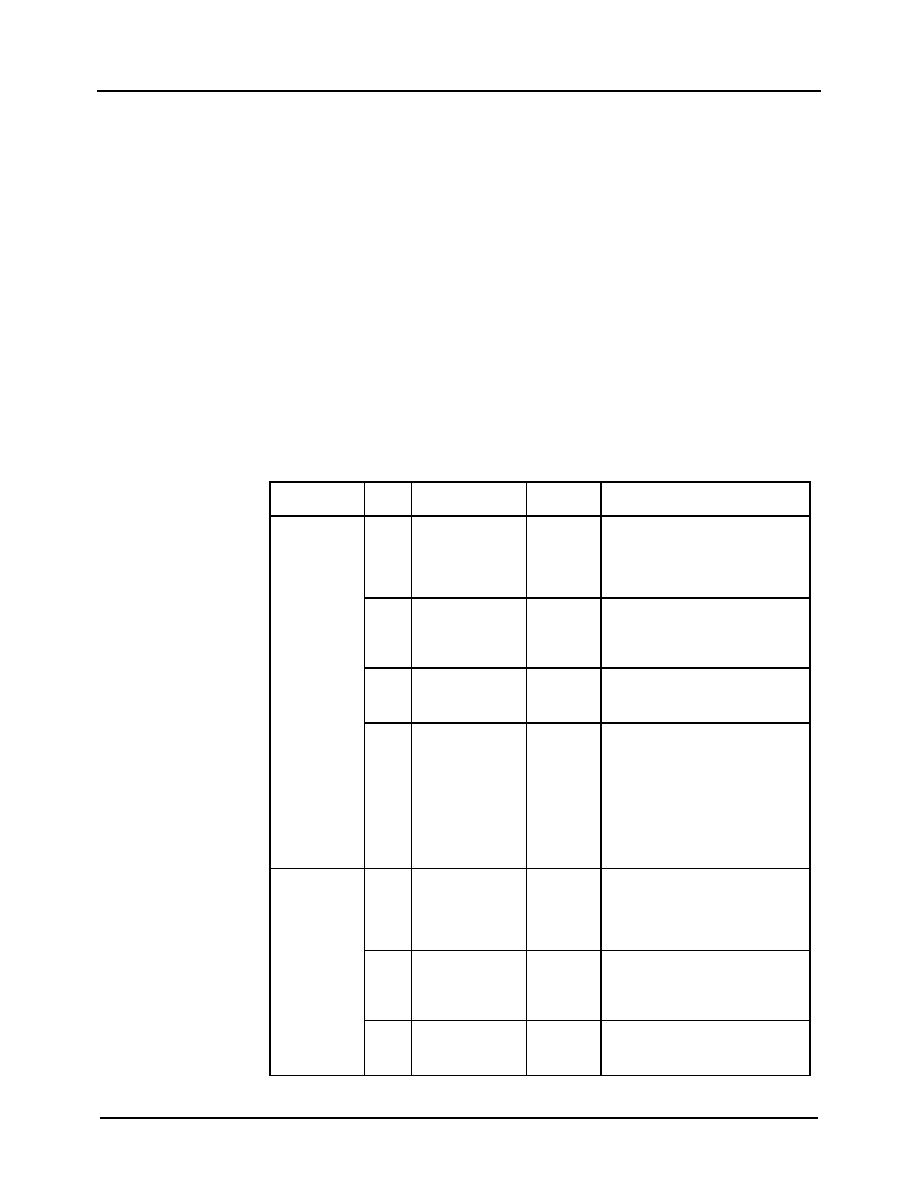 Production Data WM8946 w PD, July 2012, Rev 4.3 59 SPEAKER PGA VOLUME CONTROL The volume control of the left and right Speaker PGAs can be independently adjusted using the SPKL_VOL and SPKR_VOL register fields as described in Table 35. The gain range is -57dB to +6dB in 1dB steps. Note that the output from the Speaker PGA Volume control is an input to the Speaker Output control described in the following section. To prevent "zipper noise", a zero-cross function is provided on the Speaker PGAs. When this feature is enabled, volume updates will not take place until a zero-crossing is detected. In the case of a long period without zero-crossings, a timeout function is provided. When the zero-cross function is enabled, the volume will update after the timeout period if no earlier zero-cross has occurred. The timeout clock is enabled using TOCLK_ENA. See “Clocking and Sample Rates” for the definition of this bit. The SPK_VU bits control the loading of the Speaker PGA volume data. When SPK_VU is set to 0, the volume control data will be loaded into the respective control register, but will not actually change the gain setting. The left and right Speaker PGA volume settings are both updated when a 1 is written to either SPK_VU bit. This makes it possible to update the gain of the left and right output paths simultaneously. Note that SYSCLK must be enabled when writing to the SPK_VU bits. (See “Clocking and Sample Rates” for details of SYSCLK.) The Speaker PGA volume control register fields are described in Table 35. REGISTER ADDRESS BIT LABEL DEFAULT DESCRIPTION R47 (2Fh) Left SPK volume ctrl 8 SPK_VU 0 Speaker PGA Volume Update Writing a 1 to this bit will cause the Left and Right Speaker PGA volumes to be updated simultaneously. 7 SPKL_ZC 0 Left Speaker PGA Zero Cross Detector 0 = Change gain immediately 1 = Change gain on zero cross only 6 SPKL_PGA_MUT E 1 Left Speaker PGA Mute 0 = Disable Mute 1 = Enable Mute 5:0 SPKL_VOL 11_1001 (0dB) Left Speaker PGA Volume 00_0000 = -57dB gain 00_0001 = -56dB … 11_1001 = 0dB ... 11_1111 = +6dB (See Table 36 for volume range) R48 (30h) Right SPK volume ctrl 8 SPK_VU 0 Speaker PGA Volume Update Writing a 1 to this bit will cause the Left and Right Speaker PGA volumes to be updated simultaneously. 7 SPKR_ZC 0 Right Speaker PGA Zero Cross Detector 0 = Change gain immediately 1 = Change gain on zero cross only 6 SPKR_PGA_MUT E 1 Right Speaker PGA Mute 0 = Disable Mute 1 = Enable Mute |
|
Link URL |
| Does ALLDATASHEET help your business so far? [ DONATE ] |
About Alldatasheet | Advertisement | Contact us | Privacy Policy | Link to Datasheet | Link Exchange | Manufacturer List All Rights Reserved©Alldatasheet.com |
| Russian : Alldatasheetru.com | Korean : Alldatasheet.co.kr | Spanish : Alldatasheet.es | French : Alldatasheet.fr | Italian : Alldatasheetit.com Portuguese : Alldatasheetpt.com | Polish : Alldatasheet.pl | Vietnamese : Alldatasheet.vn Indian : Alldatasheet.in | Mexican : Alldatasheet.com.mx | British : Alldatasheet.co.uk | New Zealand : Alldatasheet.co.nz |
|
Family Site : ic2ic.com |
icmetro.com |
 New Zealand ▼
 English
 Chinese
 German
 Japanese
 Russian
 Korean
 Spanish
 French
 Italian
 Portuguese
 Polish
 Vietnamese
 Indian
 Mexican
 British
 New Zealand


